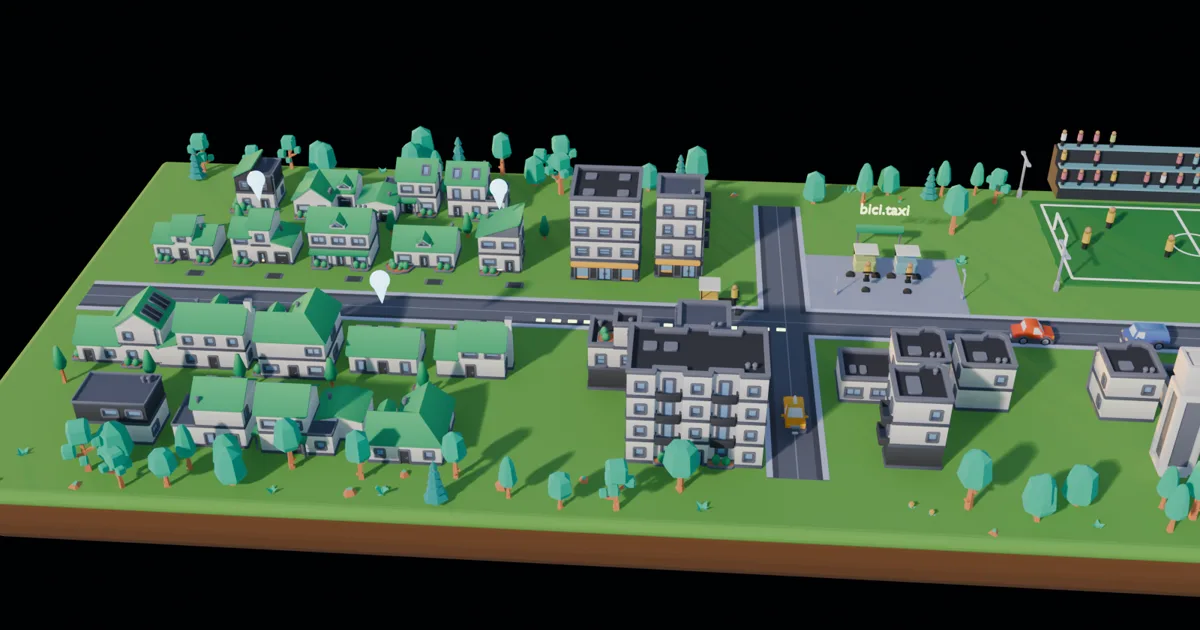
Scroll to fly
/world is a page where scrolling moves a camera through a small 3D town. Each stop is a project I build: Cerkya, bici.taxi and HitZero. The camera dives into each scene, then flies on to the next one with no visible cut.
It is the same trick as Apple's product pages: the page plays pre-rendered video, and the scroll position sets the video's time. The camera really moves; scrolling only scrubs.
Where the idea came from
The starting point was oso95/scroll-world, an open source agent skill (MIT) that builds these pages. It generates the scenes and the camera flights with paid AI image and video models (about $27 for a six-scene chain) and ships a small vanilla JS scrub engine.
I kept the engine and the core rule, and replaced the paid generation with Blender:
- Free and repeatable: a render costs nothing, and the same script gives the same frames.
- Brand control: the colors, the stops and the copy are mine, not a model's guess.
- Seams by construction: more on that below.
Attempt one: a block-out
The first version was primitives: boxes for houses, cones for trees, a cylinder island. It proved the mechanics (render, encode, scrub) in an afternoon, and it looked like this:
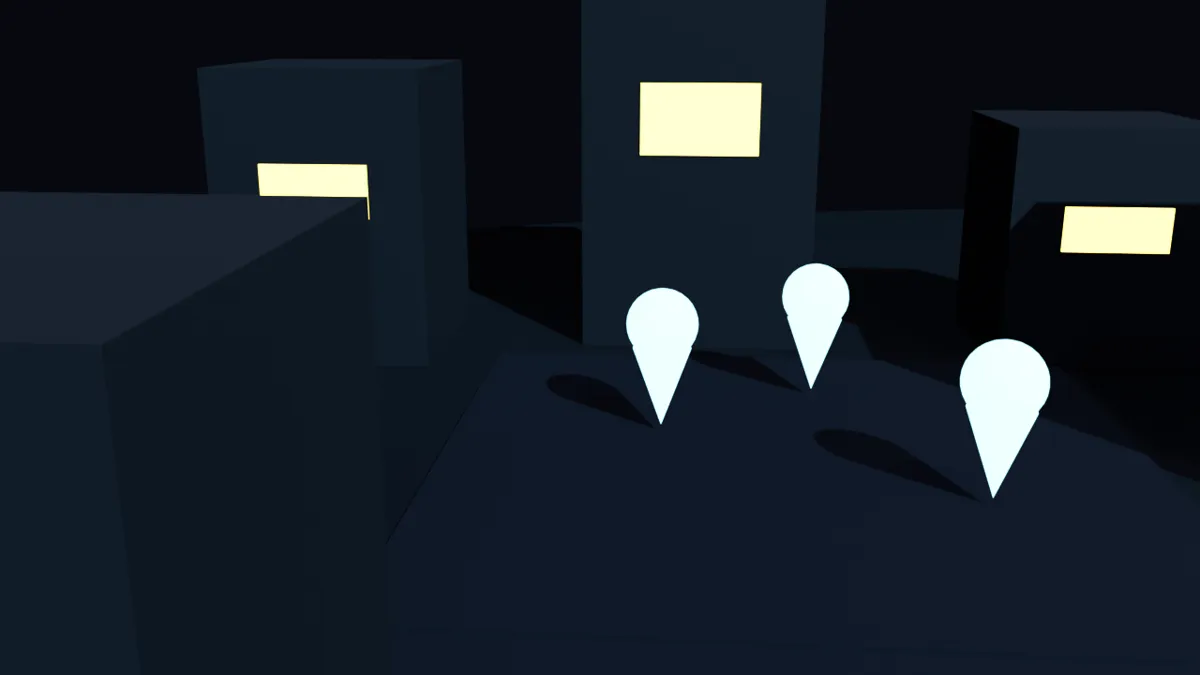
Honest feedback came fast: it was awful. Modeling a whole town by hand was never the plan, so the second attempt used assets that already exist.
Attempt two: free kits and a real sky
The town is built from Kenney kits, all CC0: City Kit Suburban, City Kit Commercial, City Kit Roads, Car Kit and Nature Kit. Every piece shares one style and one scale (a road tile is one unit), so placing them from a script is simple.
Lighting comes from a Poly Haven HDRI, also CC0, plus a warm sun for crisp shadows. One world-shader detail makes it fit the site: the sky lights the scene, but the camera sees the site's background color. The island floats on the page instead of sitting in a sky box.
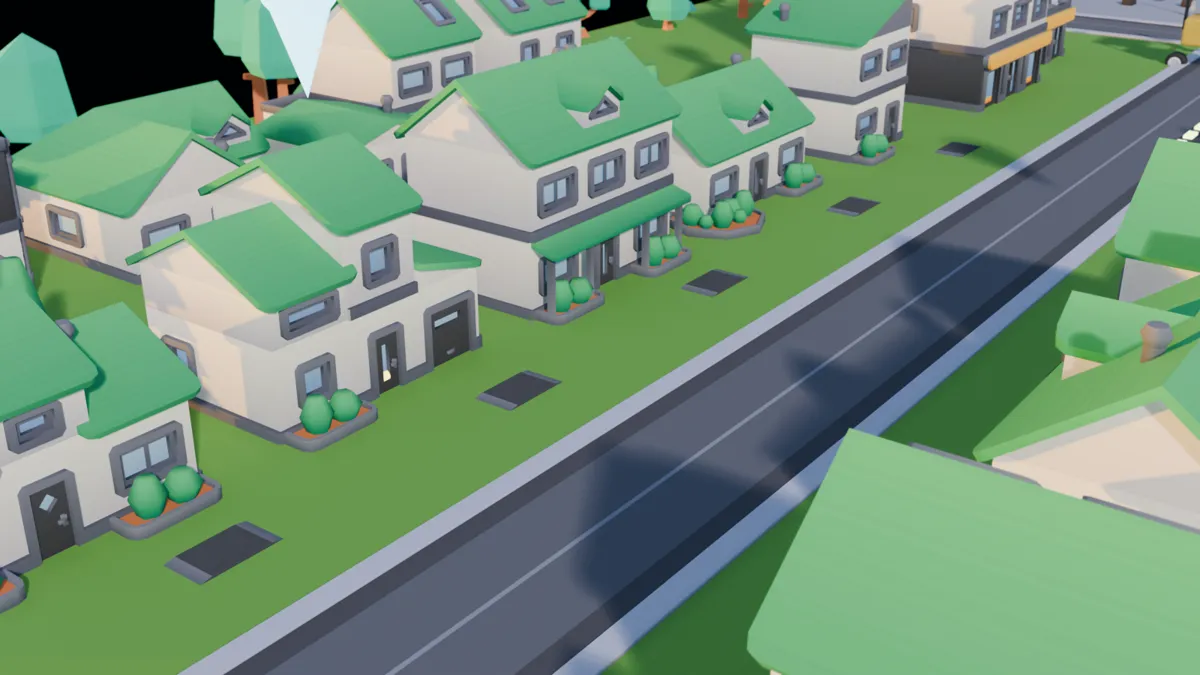
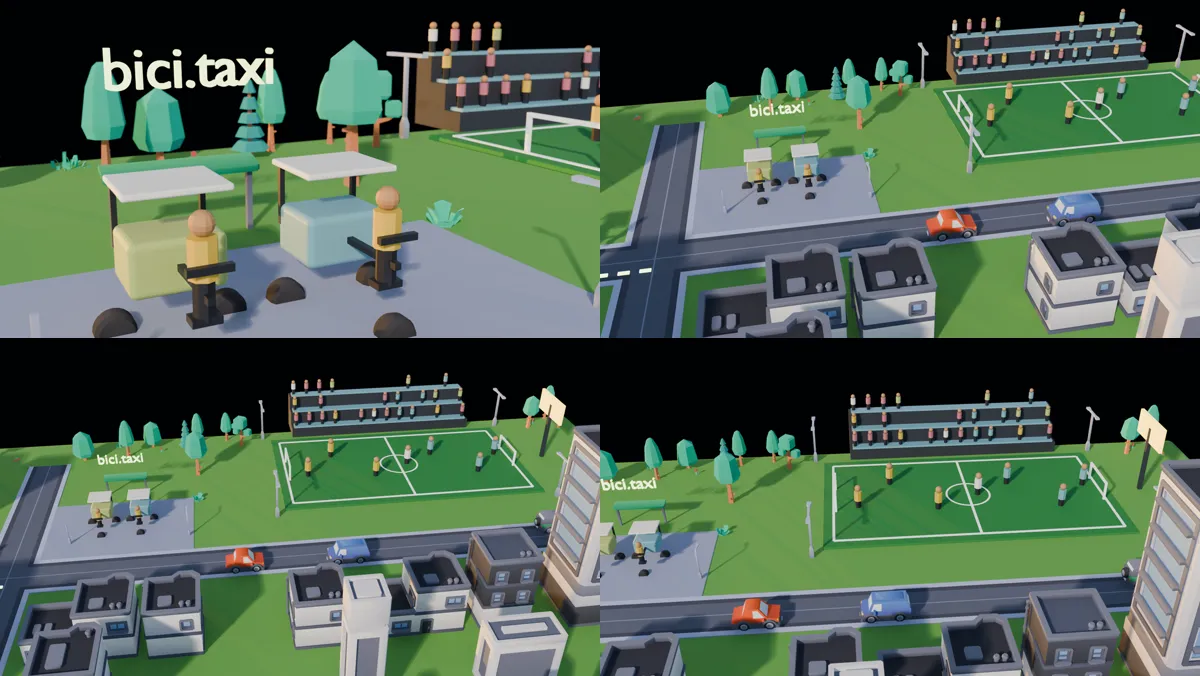
The kits had no bicitaxi (a pedal rickshaw), no football court and no people, so those are built from primitives and kit wheels in the same low-poly style. Small figures on the court and in the stands made the biggest difference; an empty town looks like a screenshot.
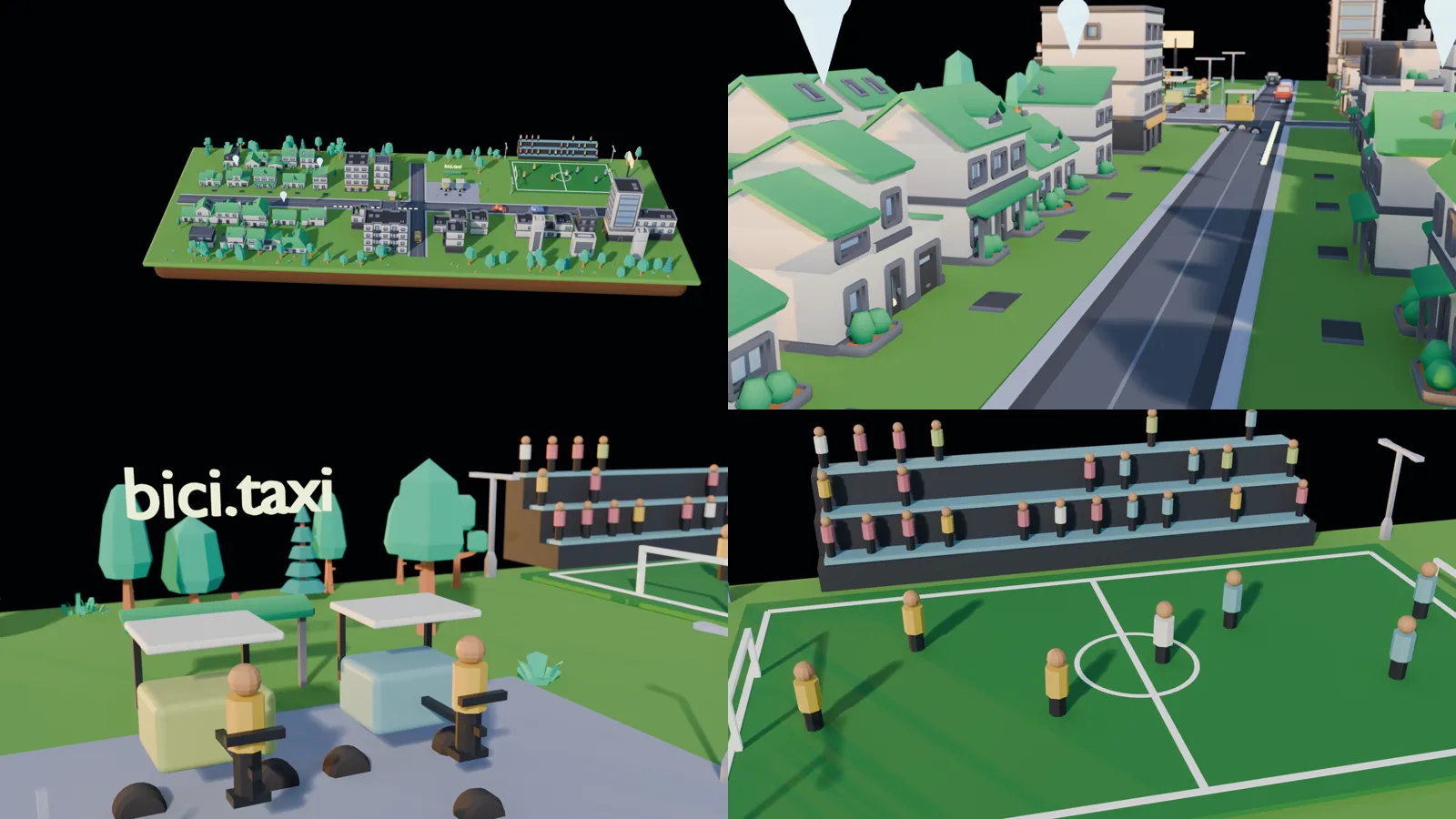
Seamless clips from one camera path
The page plays a chain of clips: a "dive" into each stop and a "connector" between stops. If the last frame of one clip and the first frame of the next differ, you see a jump.
The original skill works hard to avoid that: it generates each connector from the neighbouring clips' real frames. In Blender the problem disappears. There is one keyframed camera path for the whole flight, and every clip is a frame range of that one render. Neighbouring ranges share their boundary frame:
clip intro              1  49
clip conn-intro-cerkya 49  85
clip cerkya            85 133
Frame 49 is the last frame of the intro and the first frame of the connector. To check it after encoding, I compared those two decoded frames: about 43 to 48 dB PSNR (identical source, only compression noise), against 16.5 dB for two unrelated frames.
Encoding for scrubbing
Scrubbing means seeking constantly, and a seek has to decode from the previous keyframe. So the clips use a tight keyframe interval:
ffmpeg -framerate 24 -start_number 1 -i f_%04d.png -frames:v 49 \
-c:v libx264 -pix_fmt yuv420p -crf 20 -g 8 -movflags +faststart -an intro.mp4-g 8: a keyframe every 8 frames keeps each seek cheap.+faststart: metadata first, so the clip starts quickly.-an: no audio track.
The whole flight is 385 frames at 1600x900, rendered with EEVEE in under two minutes, and about 11 MB of video. The engine only loads clips near the current scroll position, but that is still heavy for phones, so a lighter portrait version is next.
Fitting a vanilla engine into Next.js
The engine builds its own DOM and listens to window scroll. Three things needed changes:
- Teardown. It had none, so after client-side navigation its listeners and animation loop kept running. I added a
destroy()that removes listeners, stops the loop, revokes blob URLs and removes its stylesheet, and return it from the React effect. - CSS layers. The engine puts its styles in
@layer swso a page can override them. Tailwind's preflight is unlayered, and unlayered styles beat layered ones regardless of specificity. The result:video { height: auto }cut the video in half and the titles lost their size. The fix was to re-assert those few rules unlayered. - Real HTML copy. The engine writes its text with JavaScript. The page also renders the same copy on the server (visually hidden), so crawlers and screen readers get it. With reduced motion turned on, the engine shows still posters instead of video.
What I'd keep
- Use kits before you model. A CC0 kit plus good light beats a day of hand modeling.
- One camera, many clips. Cutting clips from one continuous render makes seamless chains free.
- Keep the build in a script. The whole scene comes from one Python file, so a change is a re-run, and the same file opens in Blender for hand polishing.
Scroll through it at /world.
Credits: kits by Kenney (CC0), HDRI by Greg Zaal and Jarod Guest on Poly Haven (CC0), scrub engine from oso95/scroll-world (MIT).